
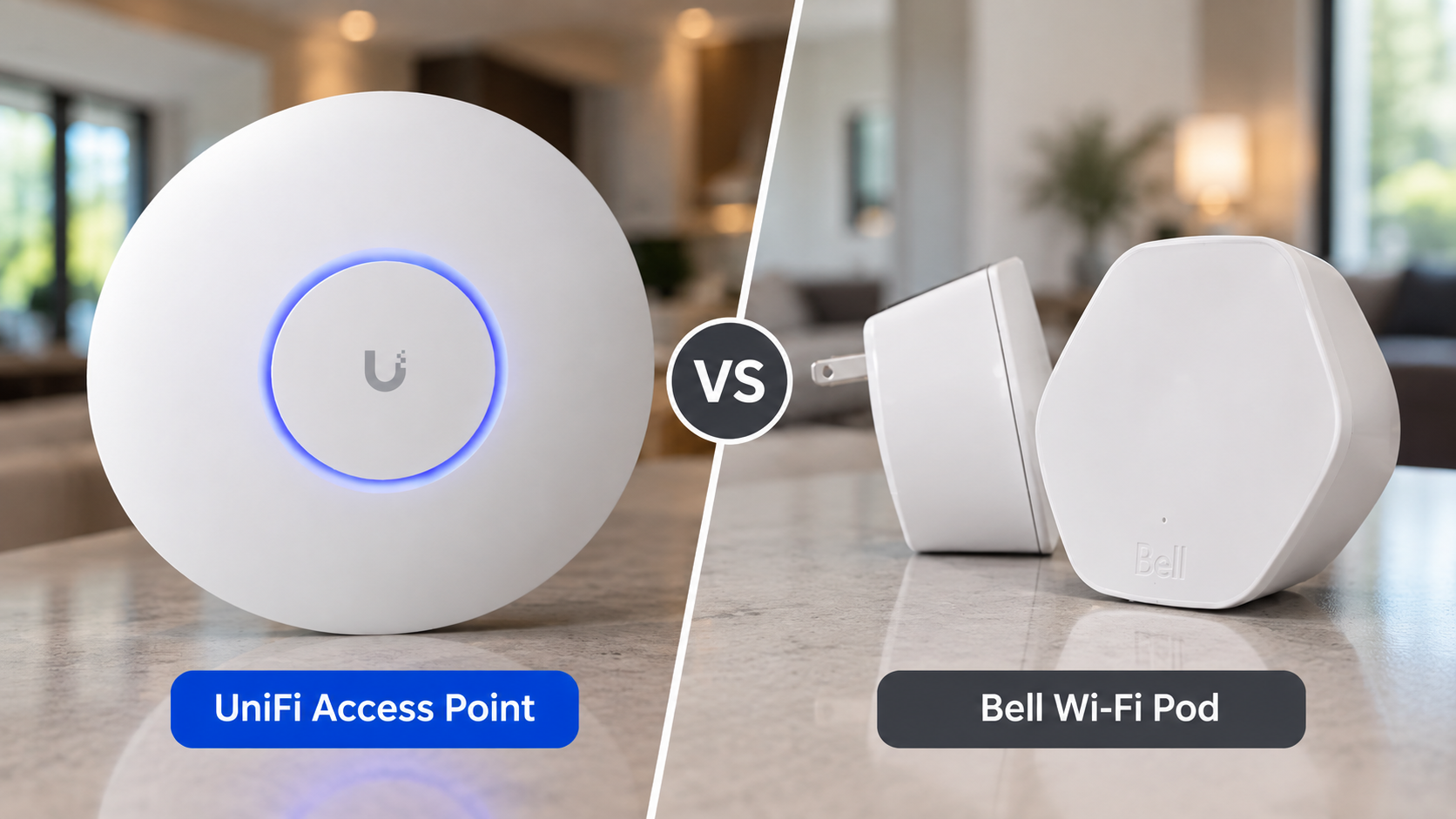
Wi-Fi dead zones are common in larger homes. A typical solution is to add Wi-Fi pods, extenders or a consumer mesh system.
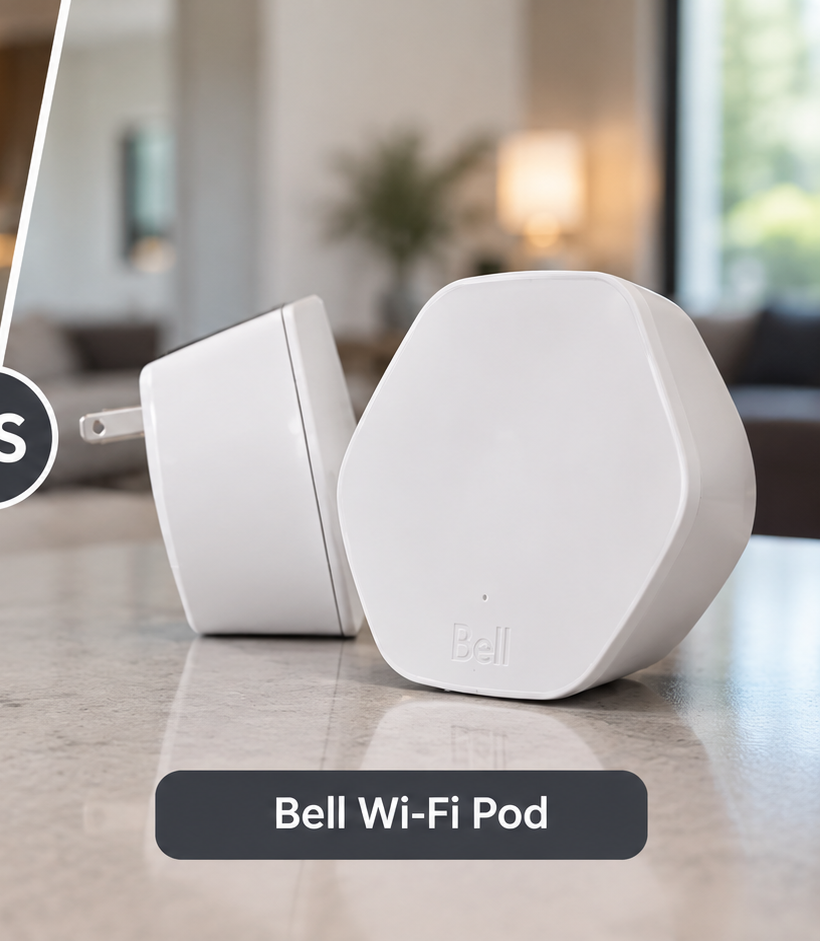
At Display Your Way, we've worked with homeowners frustrated by products such as Bell Wi-Fi pods and consumer mesh systems like Google Wifi. These products can improve coverage, but when we're able to install network cabling, we prefer a different approach:
Hardwire access points directly back to the network.
A wireless mesh system extends Wi-Fi coverage by placing additional nodes throughout your home.
The problem is that those nodes still need a connection back to the network.
If a mesh node is placed in an area where the wireless connection is already poor, it may provide your phone with a strong Wi-Fi signal while still having a weak connection back to the rest of the network.
In simple terms:
A mesh system can extend Wi-Fi farther, but it doesn't necessarily fix the weak connection behind it.
Some modern mesh systems improve this with dedicated wireless backhaul, and many support Ethernet backhaul. But once Ethernet is available, we generally prefer dedicated access points.
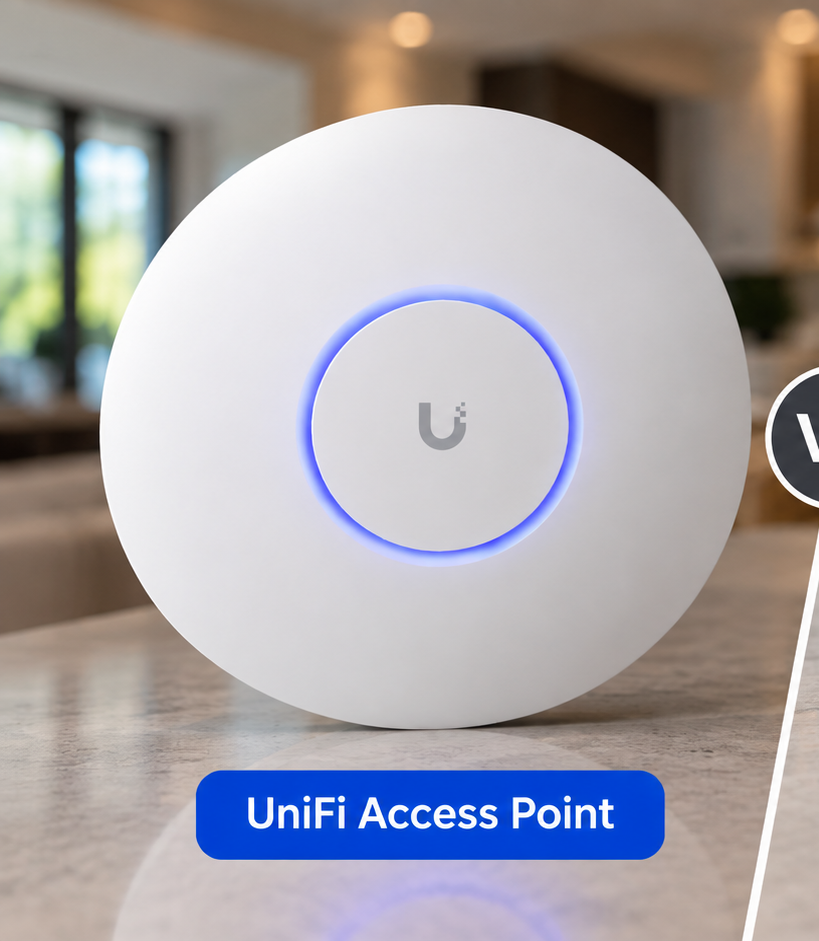
With a hardwired UniFi installation, each access point gets its own Ethernet connection back to the network.
Instead of:
Router → Wi-Fi → Mesh Node → Wi-Fi → Your Device
we can build:
Gateway → PoE Switch → CAT6 → UniFi Access Point → Your Device
Each access point has a direct wired path back to the network.
Rather than trying to push the original Wi-Fi signal farther through the house, we're bringing the network itself to different areas of the home and providing Wi-Fi from there.
UniFi access points can be powered using PoE (Power over Ethernet).
That means a single CAT6 cable can provide both the network connection and power required by the access point.
This allows us to install access points in strategic locations—often on the ceiling—without requiring a separate electrical outlet or power adapter.
The result is a clean, permanent installation.
Bell Wi-Fi pods can be convenient because they don't require installing new network cabling. We've also encountered homeowners who become frustrated with their performance or don't want to continue paying a monthly fee for additional Wi-Fi hardware.
When running Ethernet is practical, we'd rather put that money toward permanent network infrastructure.
CAT6 cabling installed in your home isn't tied to one generation of Wi-Fi equipment. Access points can be replaced or upgraded in the future while continuing to use the cabling already installed.
Not for every situation.
If you're renting, can't easily install Ethernet, or simply want a quick way to improve coverage, a good mesh system can make sense.
But when we're designing a permanent network for a homeowner and running Ethernet is practical, we recommend hardwired access points.
The biggest advantage isn't simply that they're UniFi products.
It's that every access point has a wired connection behind it.
A well-designed home network doesn't try to make everything wireless.
We use Ethernet for the permanent infrastructure and Wi-Fi for devices that actually need to be wireless.
The same structured cabling can also support:
This creates a stronger foundation for the network today while making future upgrades easier.
Display Your Way designs and installs hardwired UniFi Wi-Fi systems throughout Niagara Region, Hamilton and Burlington.
We can help determine how many access points your home needs, choose appropriate locations, install the CAT6 cabling and configure the UniFi network.
If you're dealing with Wi-Fi dead zones, unreliable mesh Wi-Fi or simply want a properly wired home network, we offer free on-site consultations to determine the best approach for your property.
Contact Display Your Way today and get wired up.
St. Catharines | Niagara Falls | Hamilton | Burlington | Lincoln | Niagara-on-the-Lake | Grimsby | Thorold | Welland | Pelham


Reliable installs. Backed by warranty